How the app is structured: what each area does, what each track holds, the five path types and five speed concepts, how focus gets from a curve to a motor, what it takes to send safely — plus shortcuts, preferences and where to look when something refuses to run.
The app opens the project manager first; inside the workspace these six areas never change role.
Orbiting only changes what you see — it does not turn the camera. Judge framing in the monitor.
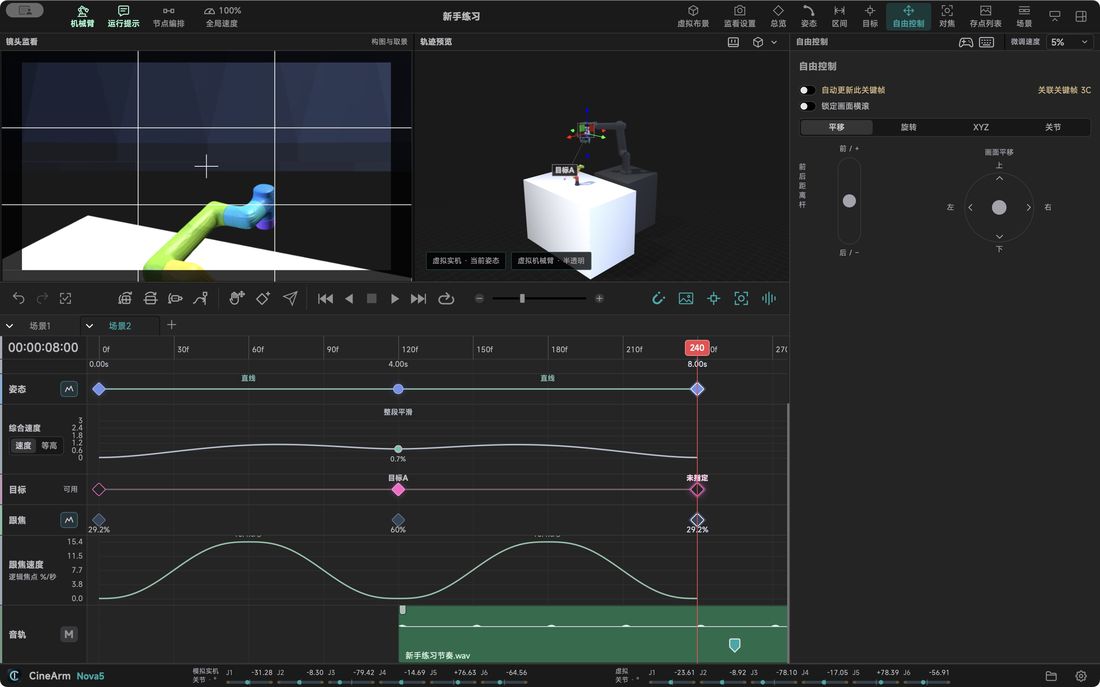
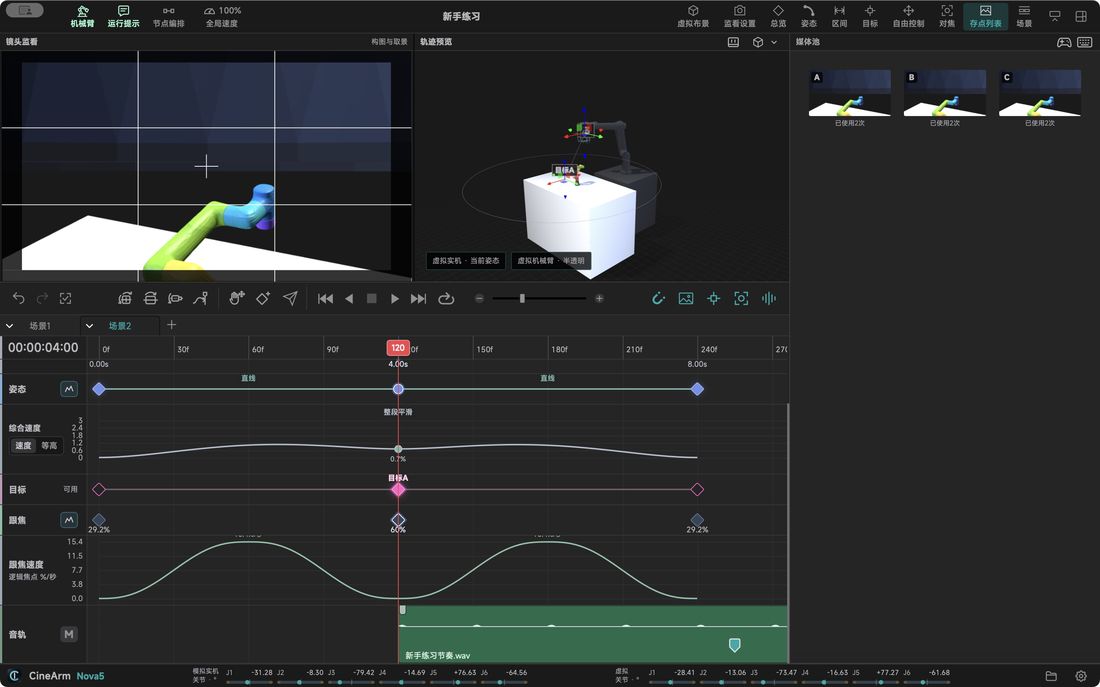
Project → scene → saved position, so comparing options never means copying the whole job.
.cinearm file; with audio, back up the sibling .cinearm-audio folder too.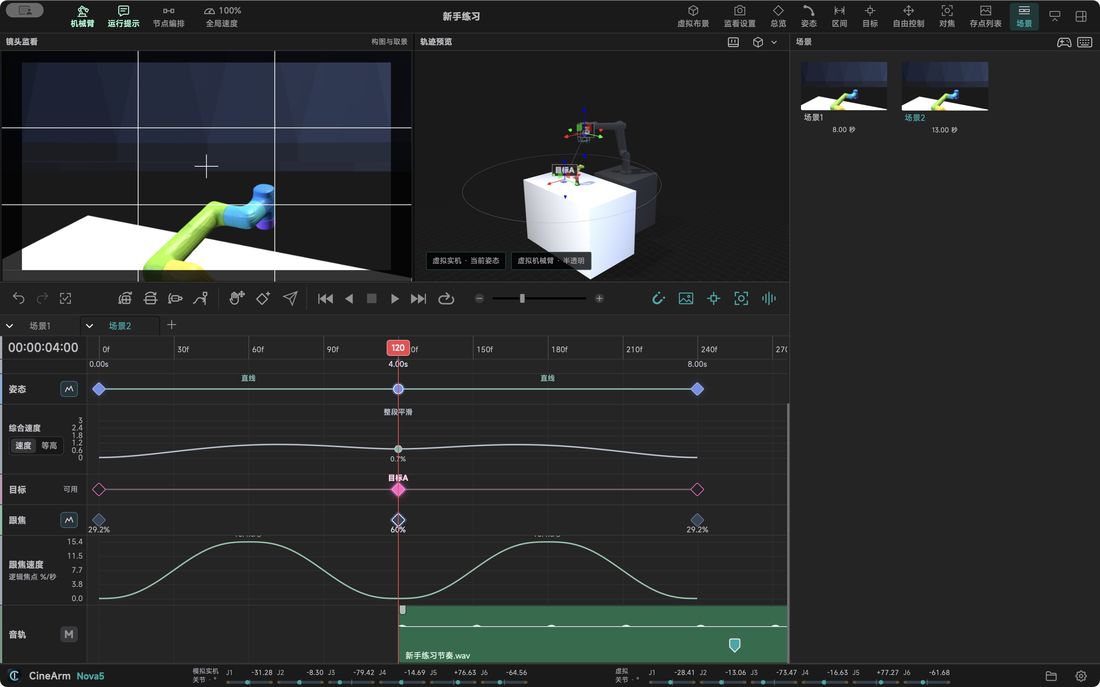
Recording a pose creates both a reusable master and one use of it — two different things.
Editing one instance keeps the other uses — “same saved position” does not mean every instance moves together.
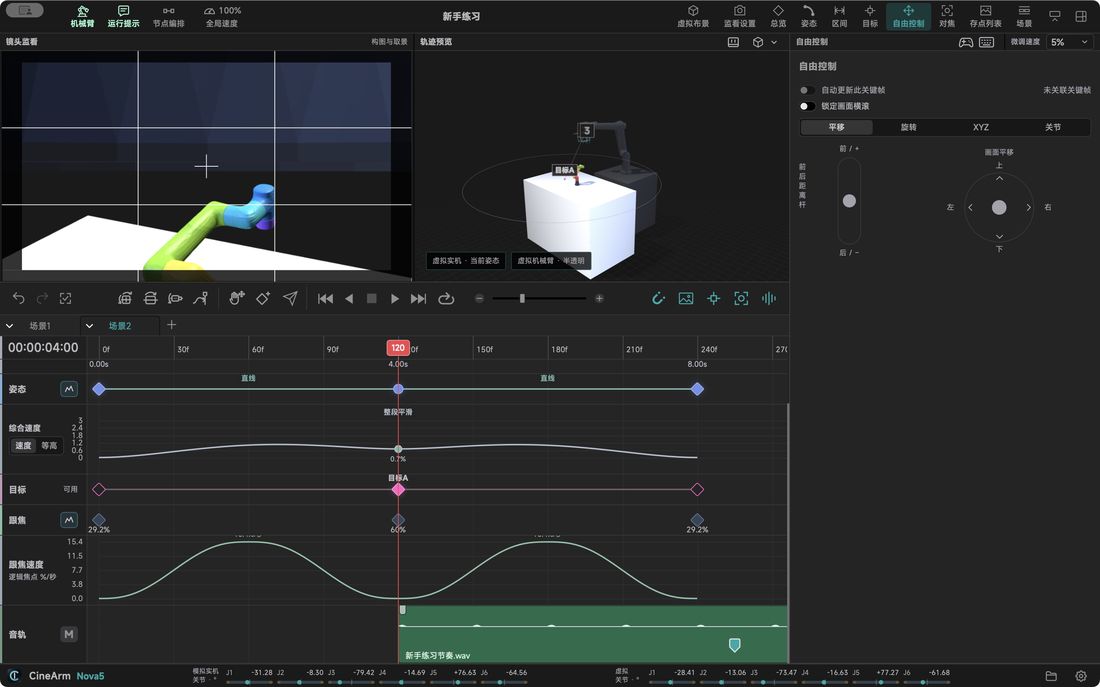
Separate tracks mean changing framing cannot silently change focus.
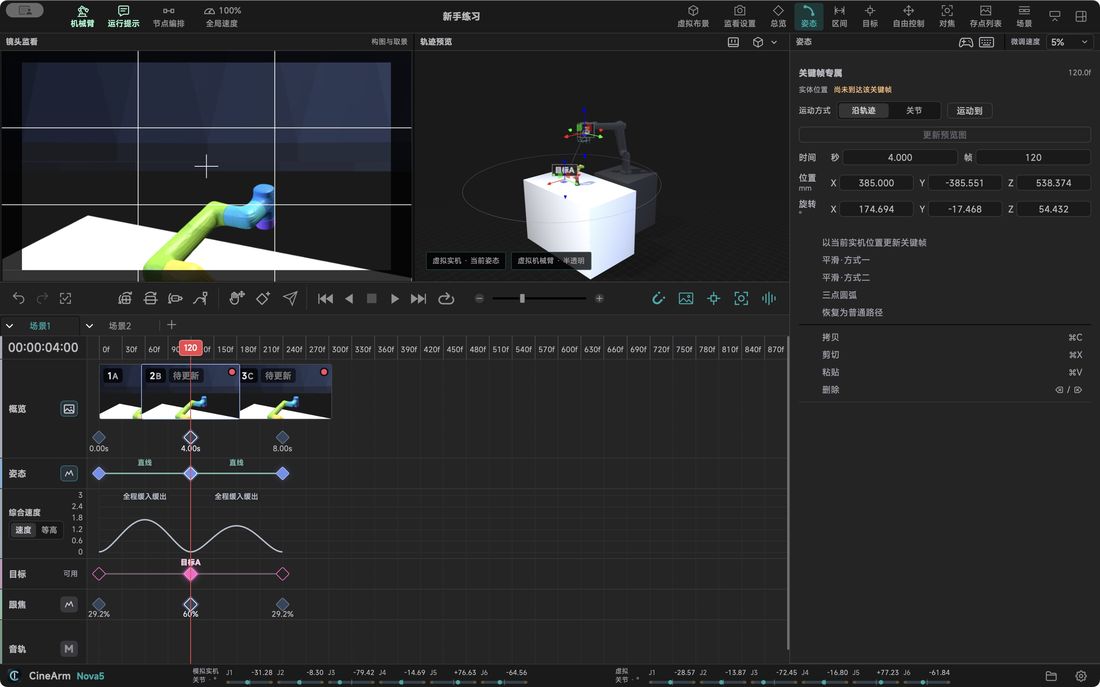
Recording is the most repeated action, so it is a rhythm rather than a dialog.
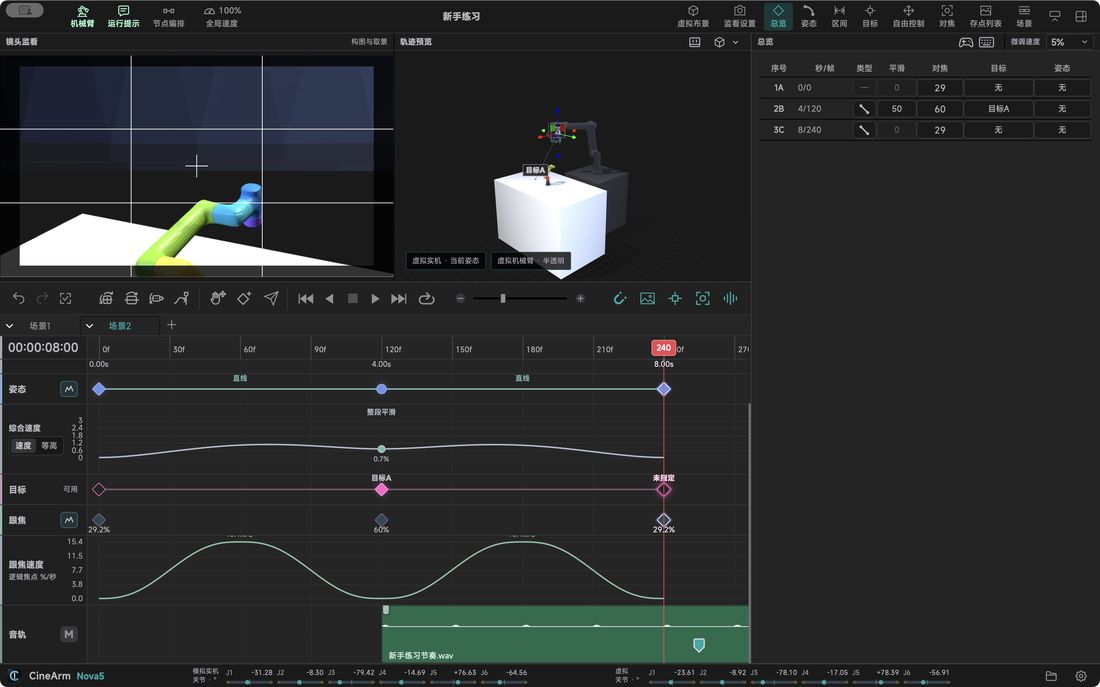
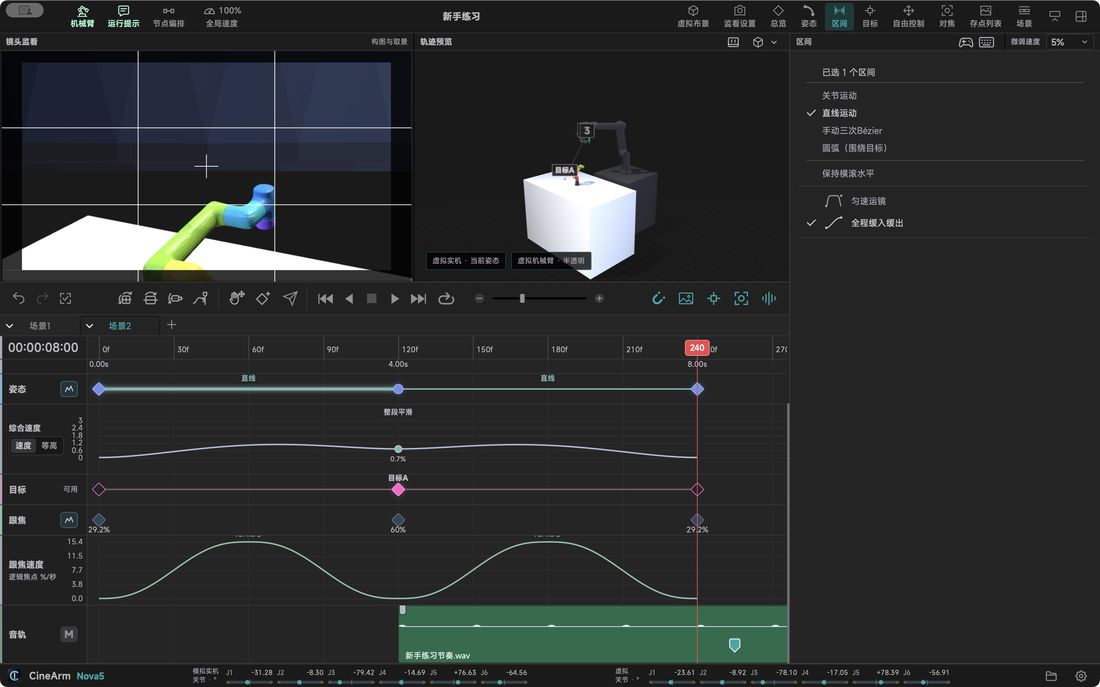
Same A to B, but the intermediate positions behave completely differently.
After changing path, timing, speed or target, wait for the full recompute. A successful save does not mean a safe run.
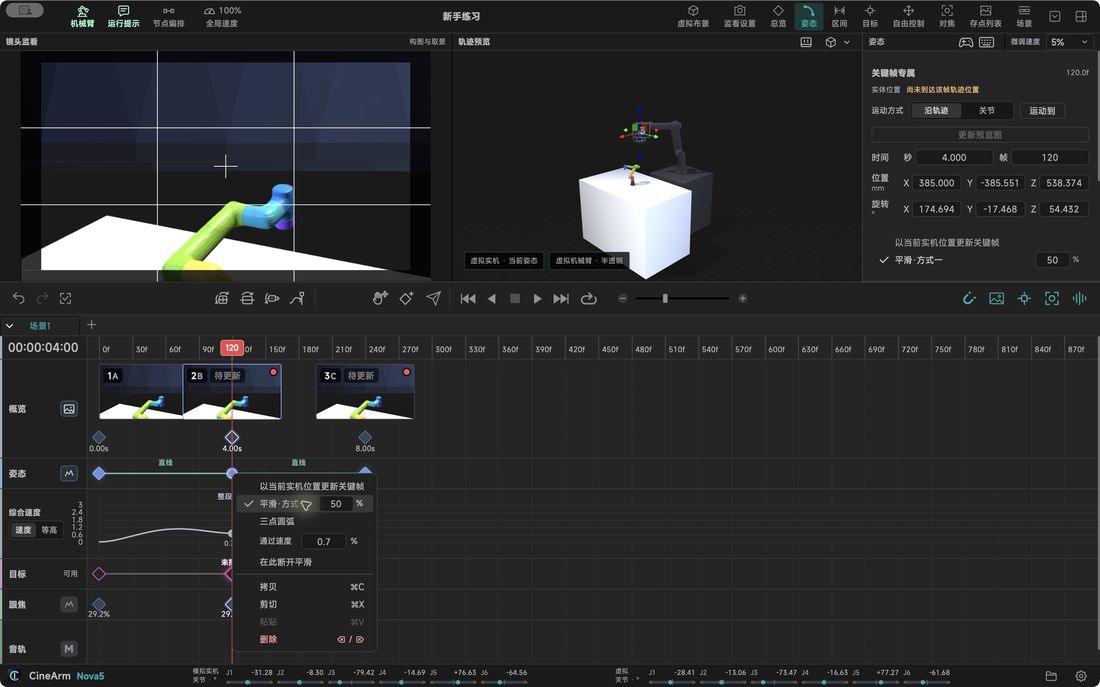
Mixing them up is the usual reason “I changed it but nothing happened”.
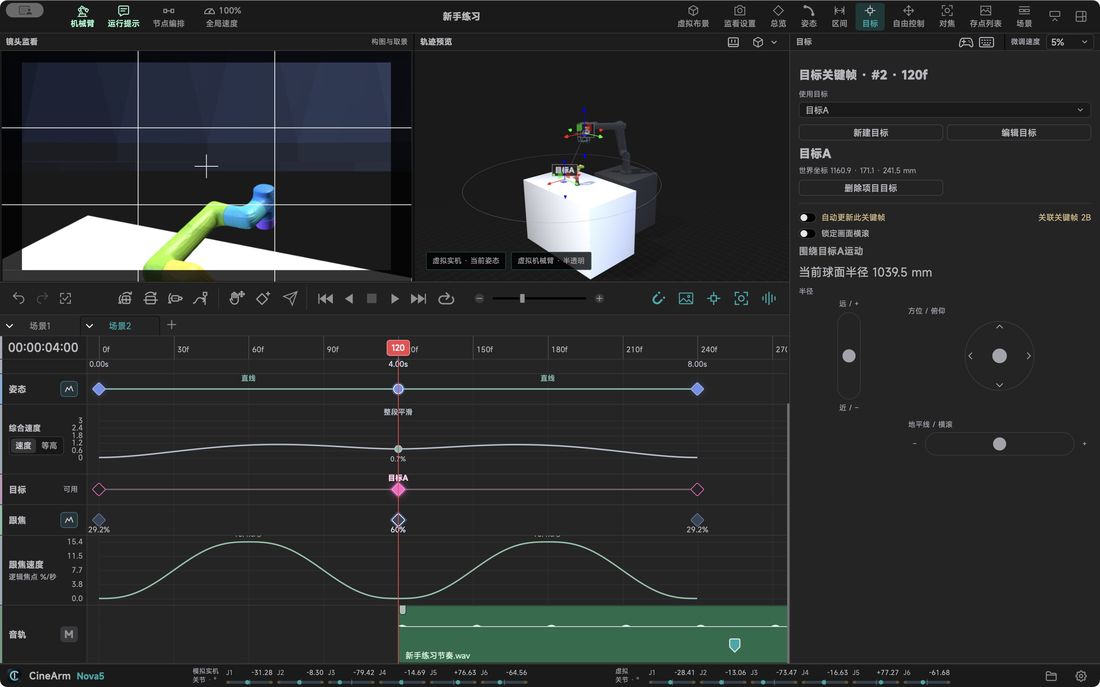
“Where the lens looks” becomes a reusable object instead of being baked into every position.
The timeline sorts by time; nodes sort by where you go next.
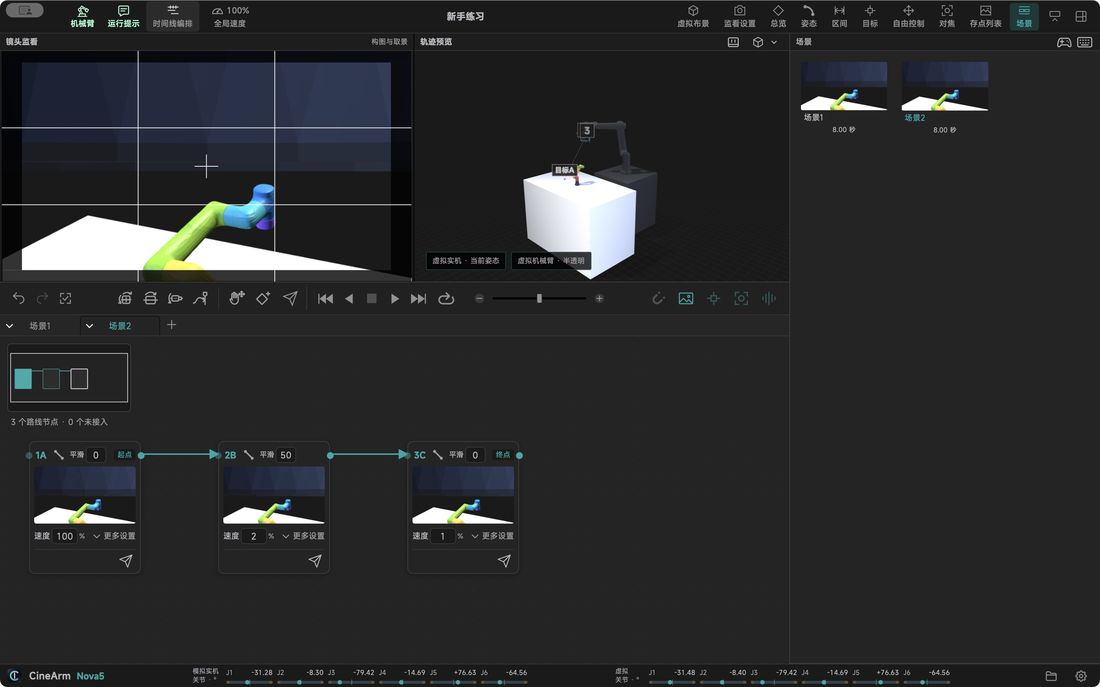
Finding a position should not depend on which tool you are holding.
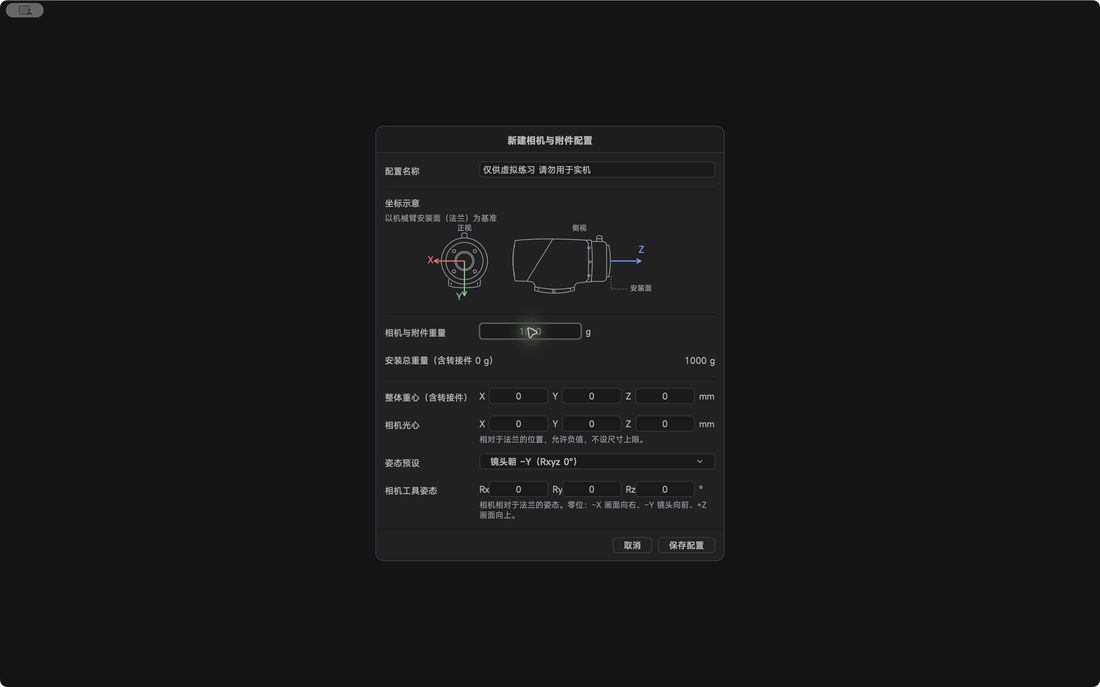
The same arm behaves differently with different loads, so this is configuration, not feel.
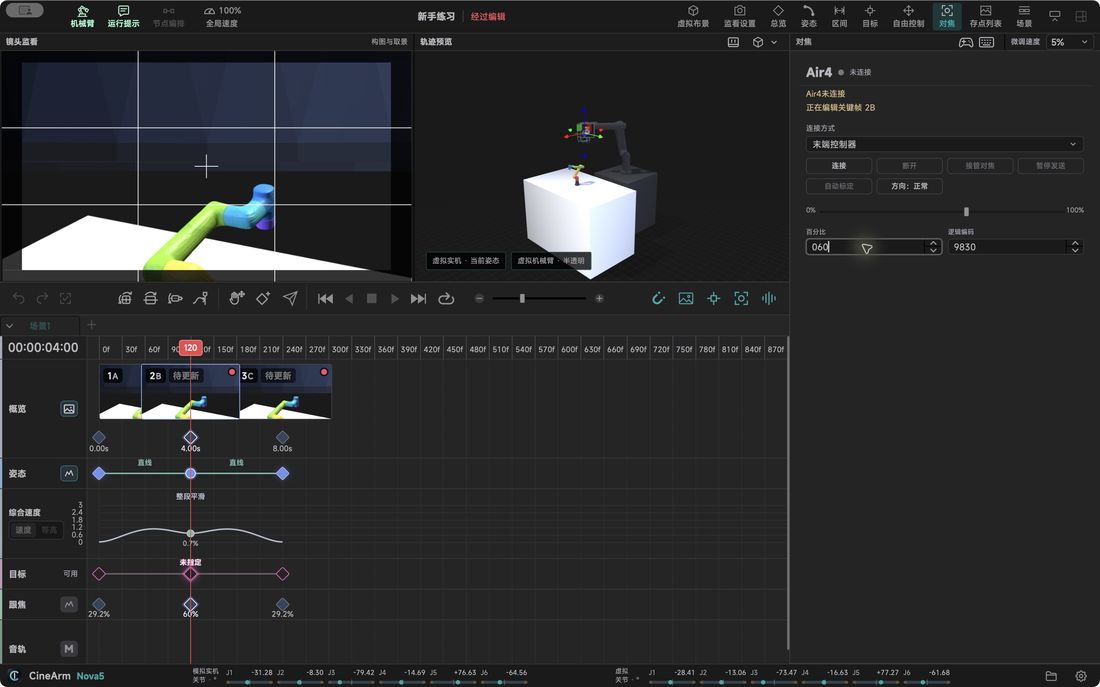
Focus is its own timeline — you can program it before any hardware is connected.
Reopening a project keeps bindings but not connections or authorisation; after switching machines, verify identity and rebind.
Monitoring is the frame you capture; the virtual set is the spatial relationship. Both live in the same 3D view.
There is no false colour, zebras, waveform, monitor recording or lens library yet, and the set does not detect a real table or prove absence of collisions.
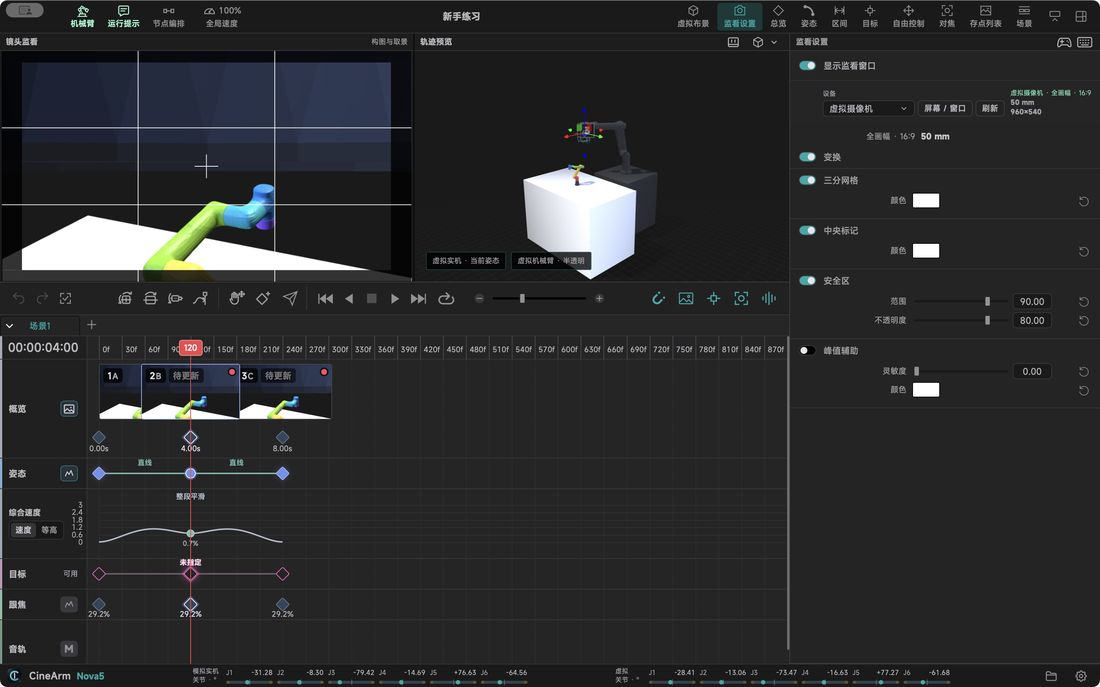
Bring the track in, mark the beats, time the movement against them.
.cinearm-audio folder with the project; auditioning in a browser does not mean the asset is safely stored.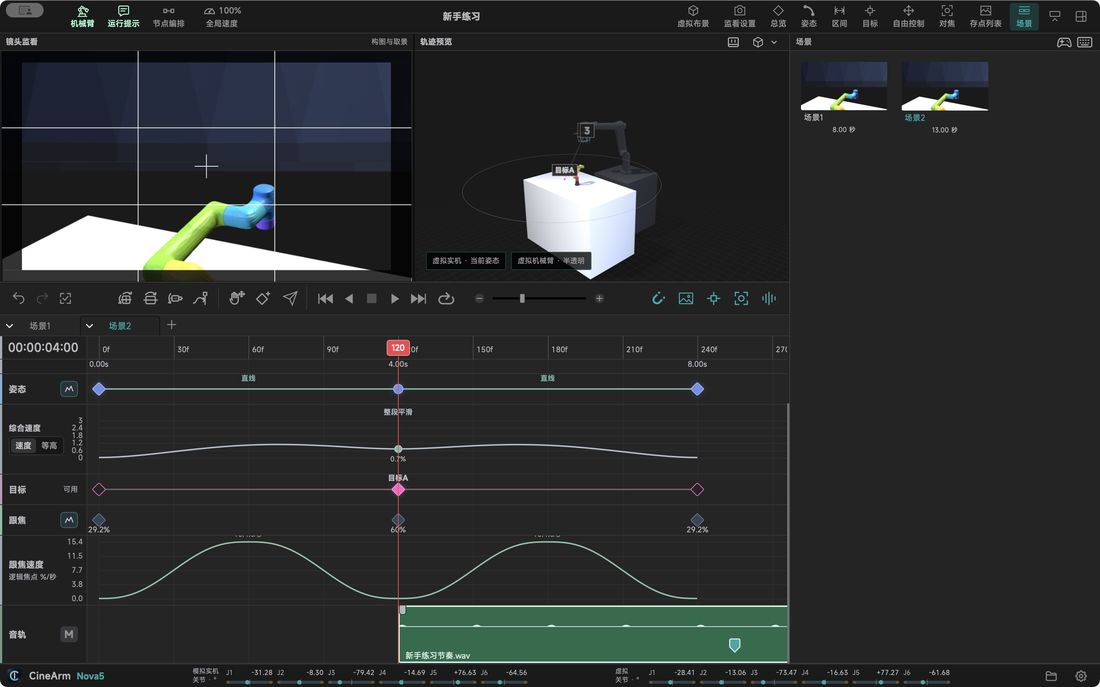
Everything before this is preparation. Only sending moves the arm.
.cinearm into the controller); file playback marks progress on DO1–DO6, so check those outputs' wiring.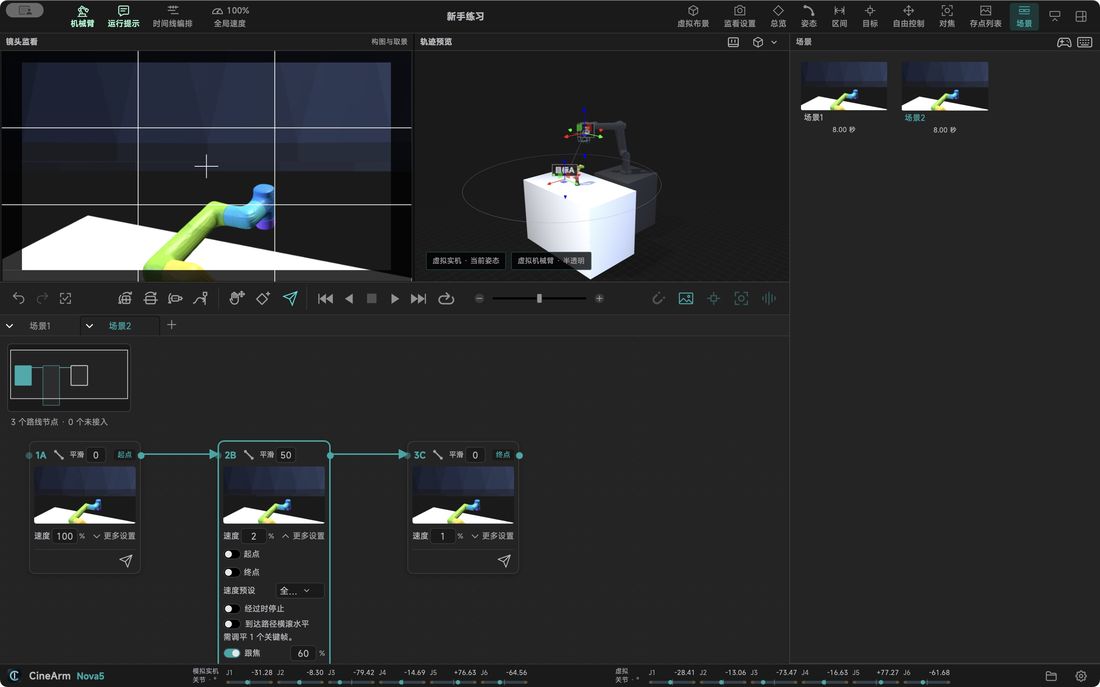
Defaults cover the frequent actions, and everything can be rebound and saved as a preset.
| Default key | Command |
|---|---|
| Shift+1 | Project manager |
| Mod+S / Mod+Shift+S | Save / save as |
| Mod+Z / Mod+Shift+Z | Undo / redo |
| Mod+A / C / X / V | Select all, copy, cut, paste on the timeline |
| Backspace / Delete | Delete selection |
| ← / → · Space | Playhead by frame · plain preview play/stop |
| I / O · Alt+I / Alt+O | Set start and end · restore full range |
| K · Mod+B · M | Record keyframe · insert at playhead · audio marker |
| Alt / Mod / Shift + wheel | Timeline zoom / pan / track height |
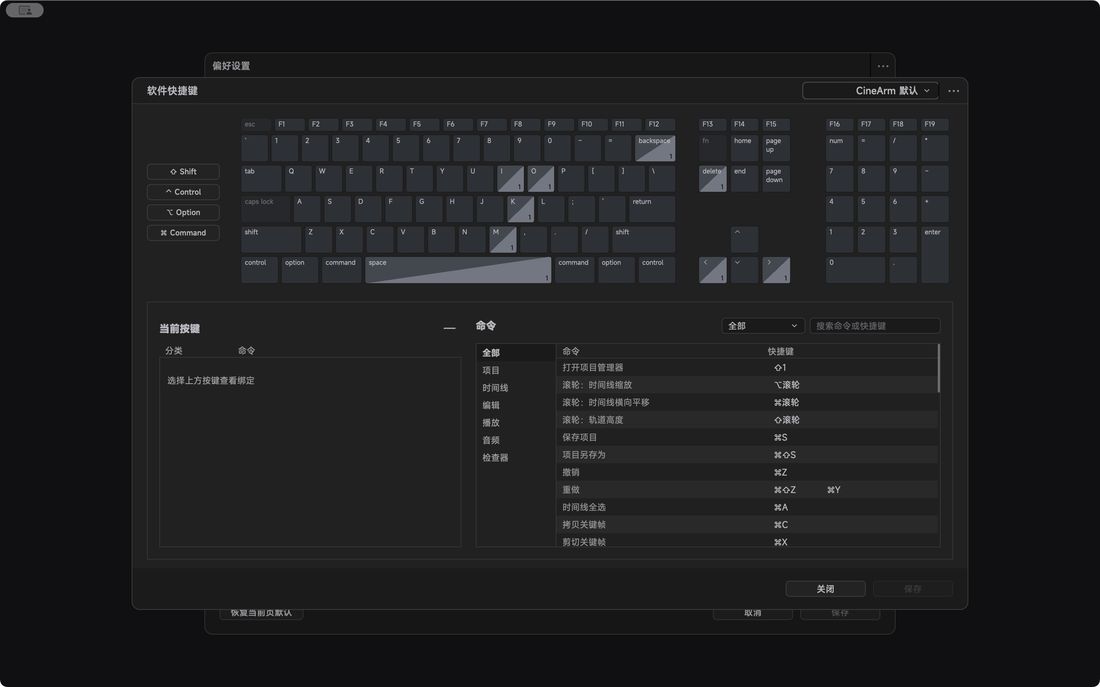
Open from the gear in the status bar; the search filters by name or keyword.
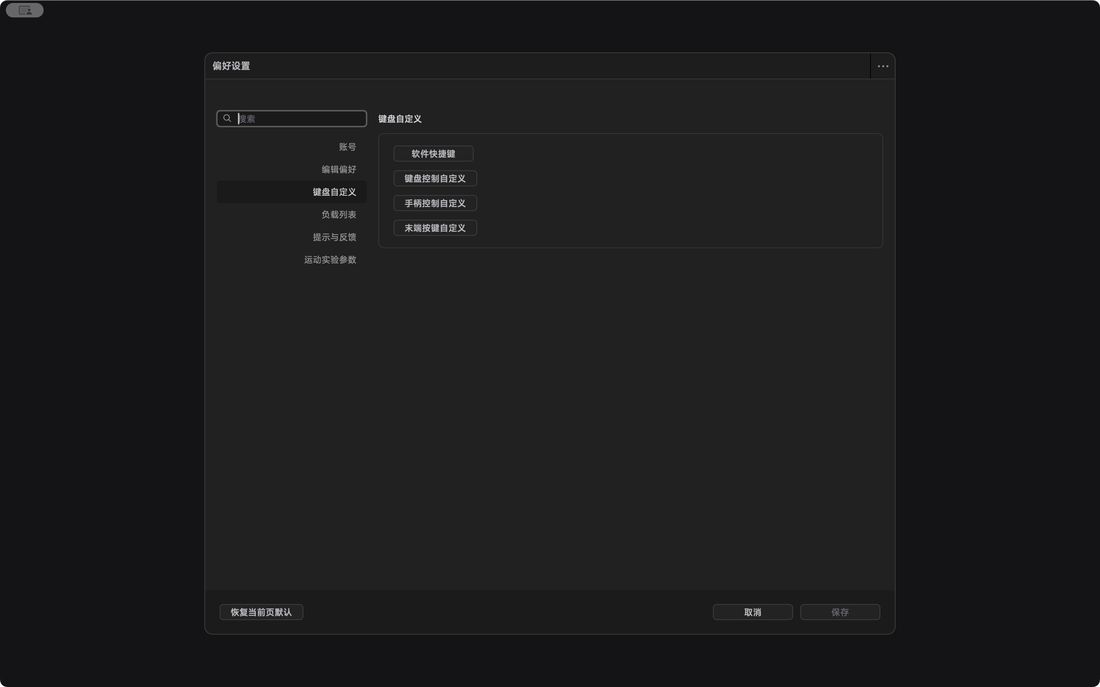
Most refusals have a concrete reason in the run messages — read it before changing anything.
| Symptom | First thing to check |
|---|---|
| Cannot connect / waiting for state | Cabling, NIC or Wi-Fi, subnet masks on both ends, duplicate IPs, permissions and protocol model — do not just assume the default address. |
| Connected but cannot control | Licence, model, alarms and stationary state; use the enable or recover entry the connection window offers. |
| Buttons grey / compute never finishes | Hover for the reason, open run messages, wait for the calculation; stop playback and input first and fix the selection or path rules. |
| Not at I, forward play refused | In send mode, drive the arm back to I and wait — the playhead position is not the arm position. |
| Arc or smoothing fails | Check consecutive selection, points, timing, speed, target radius and constraints; undo the last change and retry. |
| Alarm cleared but still locked | Read the first execution error and the stop result; clearing the controller alarm does not clear the local unverified state. |
These words recur throughout the interface with fixed meanings.
| Term | Meaning |
|---|---|
| Project / scene | The whole job / one shot option inside it (a timeline) |
| Pose / segment | A camera position / the motion between two positions |
| Saved position / instance | The reusable master / one placement on a timeline or node |
| Playhead / I–O | The moment you are viewing / the range this run uses |
| Smoothing 1 / 2 | May bypass corners / passes through interior saved positions |
| Pass-through speed 0 | An explicit zero; restoring AUTO means clearing the input, not typing 0 |
| Optical centre / centre of mass | The lens viewpoint / where the payload weight is concentrated |
| Calibration / takeover | Learning the lens travel / permission to control the device now |
| Virtual set | The shooting environment (table, subject, virtual focal length) |
Preview, virtual run and on-site execution each need their own check — success in software never replaces on-set safety and the final image.
 CineArm